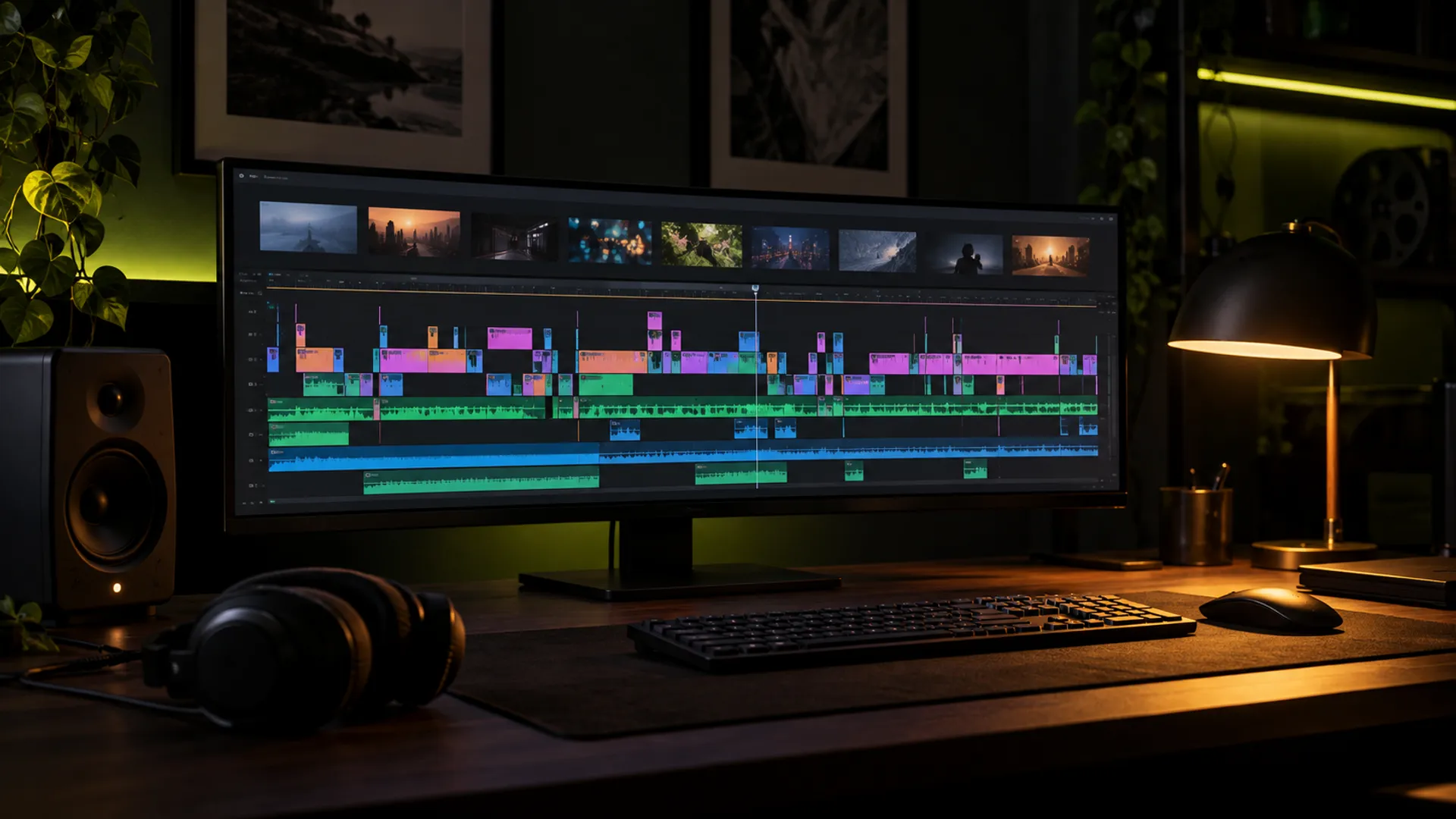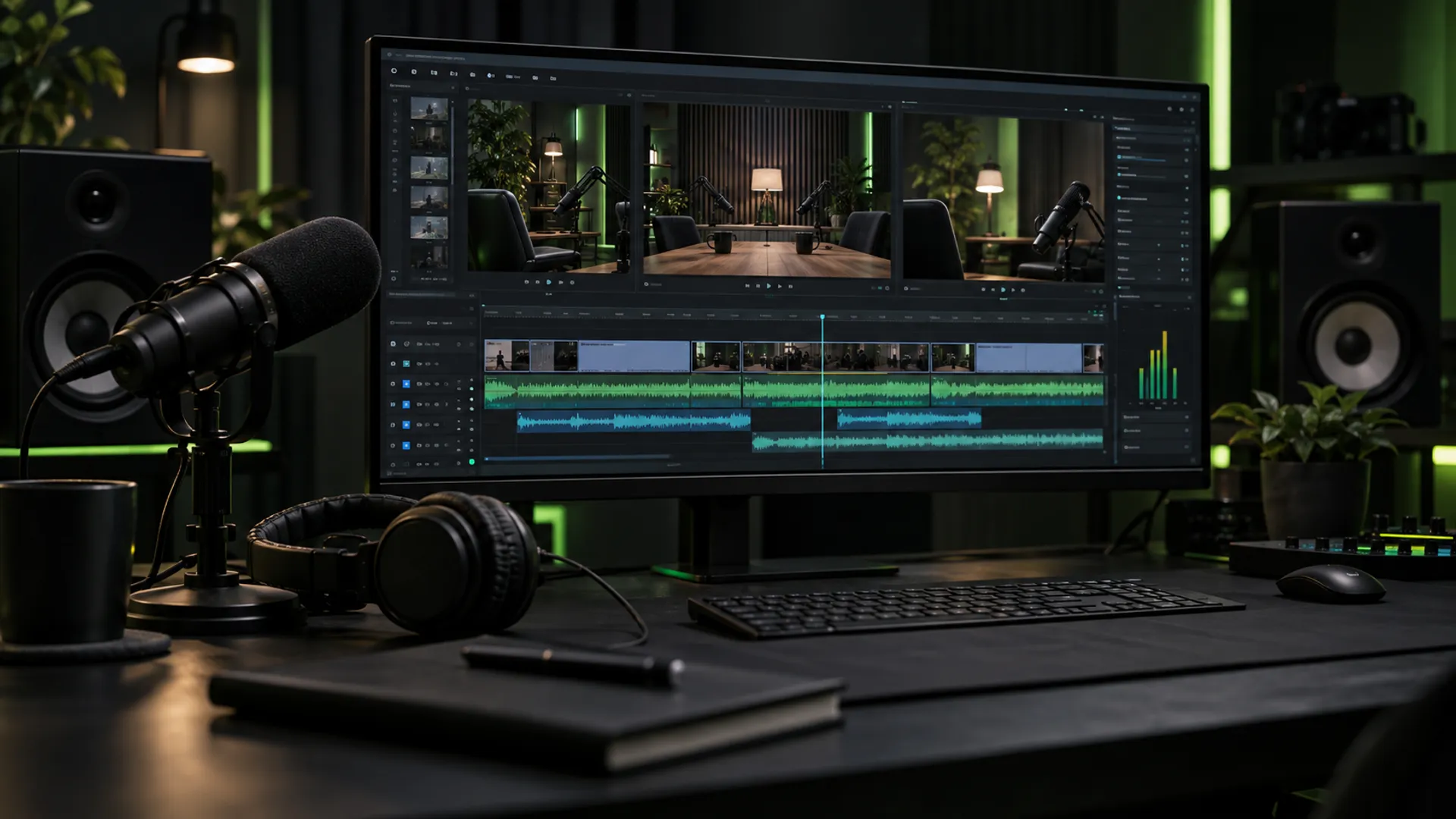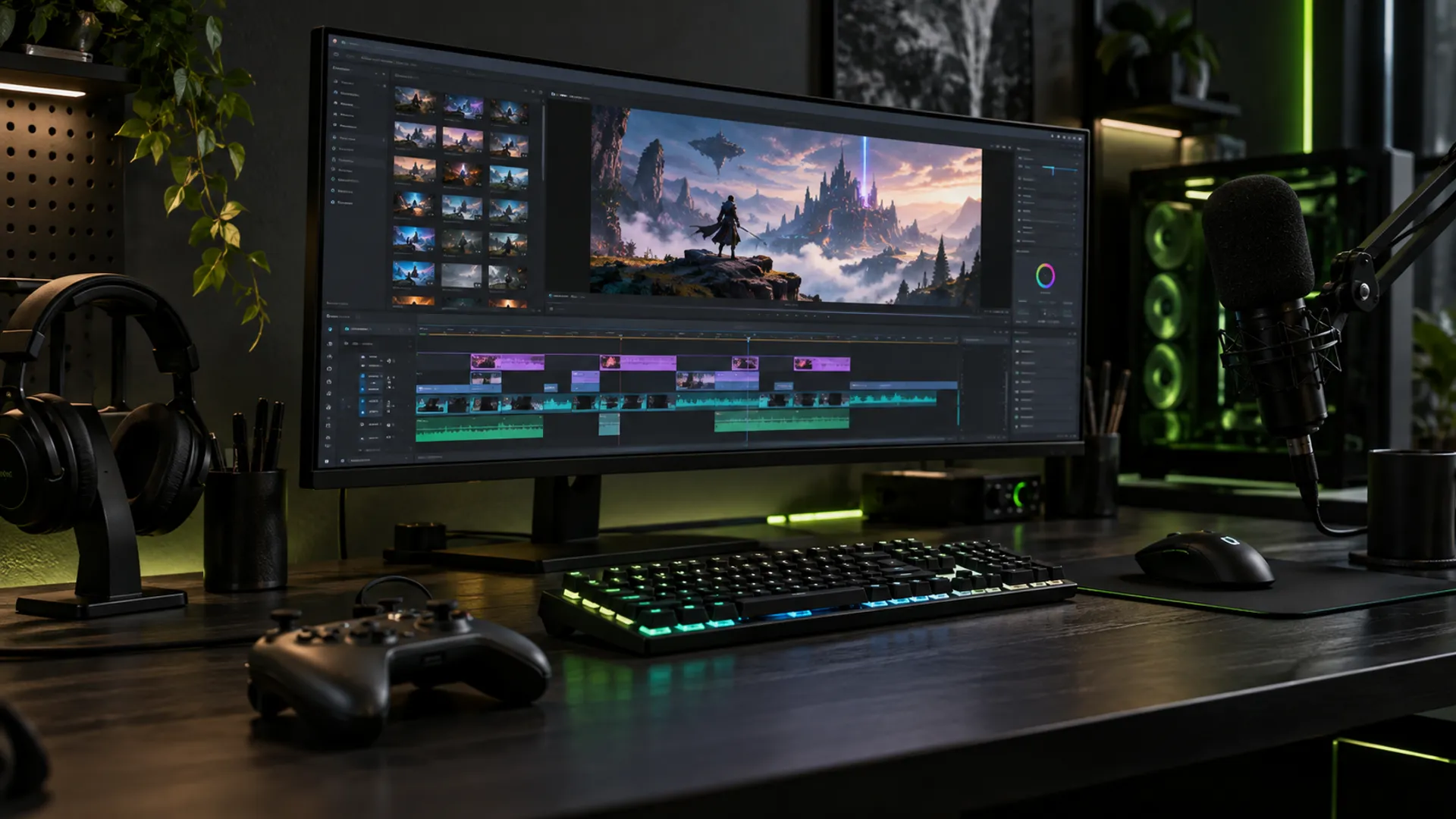
Highlights are a different product from the stream
A live stream works because people are there in the moment: chat, reactions and long quiet stretches are all part of the experience. A highlight video is for someone who was not there. It needs a clear shape, a reason to keep watching and none of the waiting around.
Decide what kind of highlight you are making before you start cutting. A ‘best moments’ compilation, a story of one game from start to finish and a single funny clip each need different pacing and a different length.
Finding the moments worth keeping
Scrubbing through hours of footage is the slowest part of the job, so make it easier during the stream. Use your streaming software’s marker or clip feature, or jot down timestamps, whenever something good happens. Spikes in chat activity are another reliable sign of a moment worth checking.
When you review, keep moments that work without context: a clutch play, a genuine reaction, a funny exchange with chat or a friend. Cut anything that needs a long explanation to make sense.
- Stream markers or clips at the moment it happens
- Chat spikes and big reactions
- Plays that are exciting even to a new viewer
- Moments with a clear beginning and end
Structure: hook first, then build
Open with your strongest moment or a quick preview of it. The first few seconds decide whether a viewer stays, so do not start with menus, loading screens or ‘hey guys’. After the hook, order clips so the energy builds, and save a strong moment for the end so people watch through.
Give viewers just enough context to follow along: a short caption for the score, the objective or what went wrong a moment ago. A few words on screen are faster than a long voice-over.
Editing techniques that fit the genre
Gaming audiences expect energy, but effects should serve the moment. Quick zooms on a key play, a well-timed sound effect or a freeze frame can land a joke or a highlight perfectly. Used on everything, they become noise.
Keep your facecam visible when your reaction is the point, and move or shrink it when it blocks the action. Balance game audio, voice and music so your commentary is always clear.
Shorts from the same session
The same stream can give you several Shorts. Pick single moments that work in under a minute, reframe them vertically with the action and your face both in view, and add captions for viewers watching without sound. Start right at the peak of the moment, not the build-up.
Posting Shorts regularly is a common way for gaming channels to reach new viewers between longer videos. Point people back to the full highlight or your stream schedule in the title or pinned comment.
Common highlight editing mistakes
The most common problem is simply making the video too long. A highlight that runs for twenty minutes because every good moment was kept often performs worse than a tight eight-minute cut. Be ruthless: if a clip only works because you remember the stream, cut it.
The second is relying on effects to create excitement that the footage does not have. Viewers can tell when a zoom and a sound effect are covering a slow moment. Choose better moments first, then use effects to sharpen them.
- Long intros before the first good moment
- Clips that need inside jokes to make sense
- The same zoom and sound effect on every play
- Facecam covering the important part of the screen
- Copyrighted music left in from the stream
Rights, music and platform rules
Check each game publisher’s rules on monetising gameplay footage, and use music you are licensed to use. Copyrighted songs playing on stream can cause claims when the highlight is uploaded, even if they were fine live, so replace or remove them in the edit.
Keep a consistent thumbnail and title style so returning viewers recognise your videos at a glance. Then compare retention between videos to learn which openings and lengths work best for your audience.