An MVP is a learning tool, not a smaller app
A minimum viable product is the smallest version of your app that lets real users complete the core task and lets you learn whether the idea works. It is not simply your full vision with features removed at random. The question is: what is the one job users need to do, and what is the simplest reliable way to let them do it?
Starting this way protects your budget. Many apps fail not because they were badly built, but because they built too much before learning what users actually valued. A focused MVP gets to real feedback sooner, so later investment is based on evidence.
Define what you want to learn before you design. Do people actually want to complete this task in an app? Will they pay for it? Will they come back next week? Each question suggests a different way to measure success, and knowing them early keeps the scope focused on what will give you a useful answer.
Scoping: decide what is in and what waits
Write down the core user journey from opening the app to completing the main task. List every screen and feature that journey needs. Then list everything else you would like, and move it to a later phase. Login, onboarding, the core feature and basic settings are often enough for a first release.
Be honest about what is essential. Payments, chat, social sharing, admin dashboards and integrations with other systems all add significant work. Some are essential for certain apps, but each should be included because the core journey depends on it, not because competitors have it.
A short written scope document, agreed by everyone involved, is one of the most valuable outputs of the early stage. It lists the features in the first release, the features explicitly deferred and the assumptions behind them. When new ideas arrive during the project, the team can compare them against this document instead of debating from memory.
- One core user journey, written as steps
- Every screen that journey requires
- Features deferred to later phases
- Essential integrations, such as payments or maps
- How you will measure whether the MVP works
What drives the cost
App costs vary widely, and the drivers are predictable. The number of screens and their complexity is the most obvious. Platforms matter: building for iOS and Android with a cross-platform framework is usually more efficient than two separate native apps, though some products need native development.
Back-end requirements often surprise people. User accounts, data storage, notifications, admin tools and third-party integrations all need a server side that must be designed, built, hosted and maintained. Design depth also affects cost: a custom visual system, illustrations and motion take longer than a clean interface built from standard components.
Timelines affect cost as well. Compressing a project into a very short schedule often requires a larger team and more coordination, which can increase the total price. A realistic timeline with clear milestones usually gives better results, and leaves room to respond to what you learn from testing the prototype.
- Number and complexity of screens
- iOS, Android or both, and native or cross-platform
- Back-end, accounts and data storage
- Third-party integrations and payments
- Custom design, illustration and motion
- Testing, app store submission and maintenance
A practical design and build process
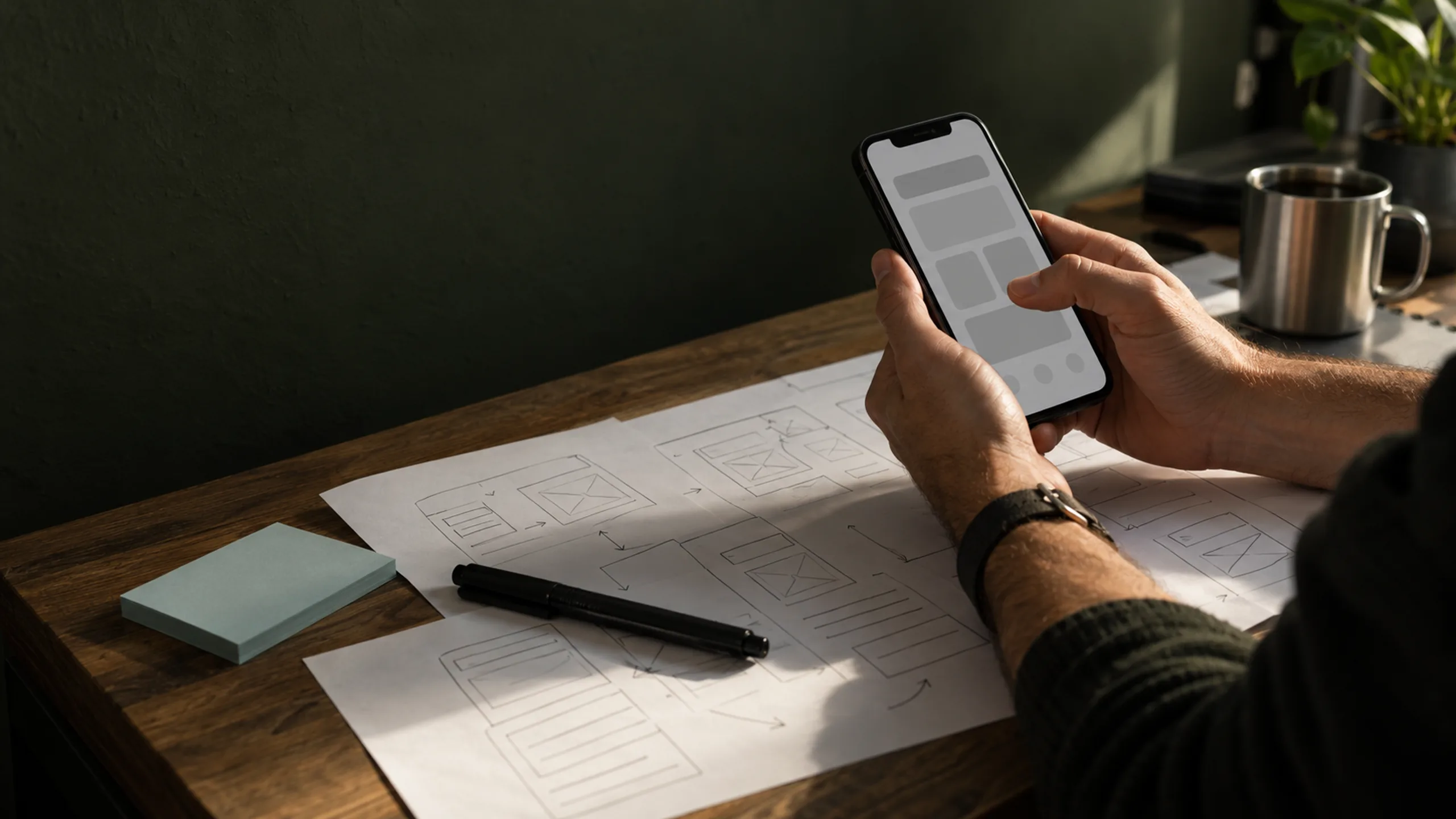
Most good app projects follow a similar path. Discovery clarifies users, goals and constraints. User flows and wireframes map the journey before visual design begins, which is the cheapest moment to change your mind. A clickable prototype lets you test the experience with real people before development starts.
Visual design then defines the look and builds a reusable component system. Development usually happens in short cycles, with regular builds you can install and test. Platform guidelines such as Apple’s Human Interface Guidelines and Google’s Material Design are useful references so the app feels familiar on each device.
Regular demos keep everyone aligned. A short weekly or fortnightly session where the team shows working screens on a real device makes progress visible, surfaces misunderstandings early and gives you a chance to adjust priorities. It also makes it far less likely that the final build surprises anyone.
Testing, launch and what comes after
Test on real devices, not only simulators, and include older phones your users might have. Check accessibility basics such as text size, contrast and touch target size. Plan the app store submission early: you will need screenshots, descriptions, privacy information and, for some features, additional review.
Launch is the start of learning. Plan how you will collect feedback, track key actions and fix issues quickly. Budget for maintenance, because operating systems, devices and third-party services change. An MVP that is never updated soon stops being viable.
Consider a soft launch. Releasing first to a small group, such as beta testers, early customers or one city, lets you find problems and gather feedback before a wider announcement. Both app stores provide ways to distribute test builds, which makes this practical even for small teams.
Native, cross-platform or a web app?
Not every product needs a native app on day one. A progressive web app, which runs in the browser but can be added to the home screen, may be enough to test an idea, especially if the core task does not depend on device features such as Bluetooth, background location or advanced camera access. It also avoids app store review for the first version.
Cross-platform frameworks such as React Native or Flutter let one codebase run on iOS and Android, which is efficient for many MVPs. Fully native development makes sense when performance, platform-specific features or deep integration with the operating system are central to the product. Discuss these options with your team before design begins, because they affect both design patterns and budget.
Designing for the first five minutes
The first few minutes in an app decide whether people come back. Onboarding should get users to the core value as quickly as possible, asking only for the permissions and information needed at that moment. Explain why you are asking for notifications or location access, and ask when the user is about to benefit from it.
Design empty states carefully. A new user’s screens have no data yet, so show helpful guidance or sample content instead of blank space. Test the first-run experience with people who have never seen the app, and watch where they hesitate. Small improvements here often matter more than any additional feature.
Choosing a team for your MVP
Look for a team that asks hard questions about scope, explains trade-offs clearly and shows you work in progress regularly. Ask who owns the code and design files, how they handle changes in scope and what support looks like after launch.
Yupsilan designs and builds mobile apps and can help you scope an MVP around the one journey that matters most. Whoever you work with, start with a prototype you can put in front of real users before committing to the full build.