A good edit starts at the recording
Most podcast editing problems are easier to prevent than to fix. Record each person on their own microphone and, if you can, their own audio track. Keep cameras rolling continuously rather than stopping and starting, and clap once on camera at the start so every angle and audio file can be synced quickly.
Record a few seconds of room silence before you begin. It gives the editor a clean sample of background noise to remove, and it takes no effort on the day.
- One microphone and one audio track per speaker
- Continuous recording on every camera
- A clap or slate at the start for syncing
- Ten seconds of room tone before the conversation
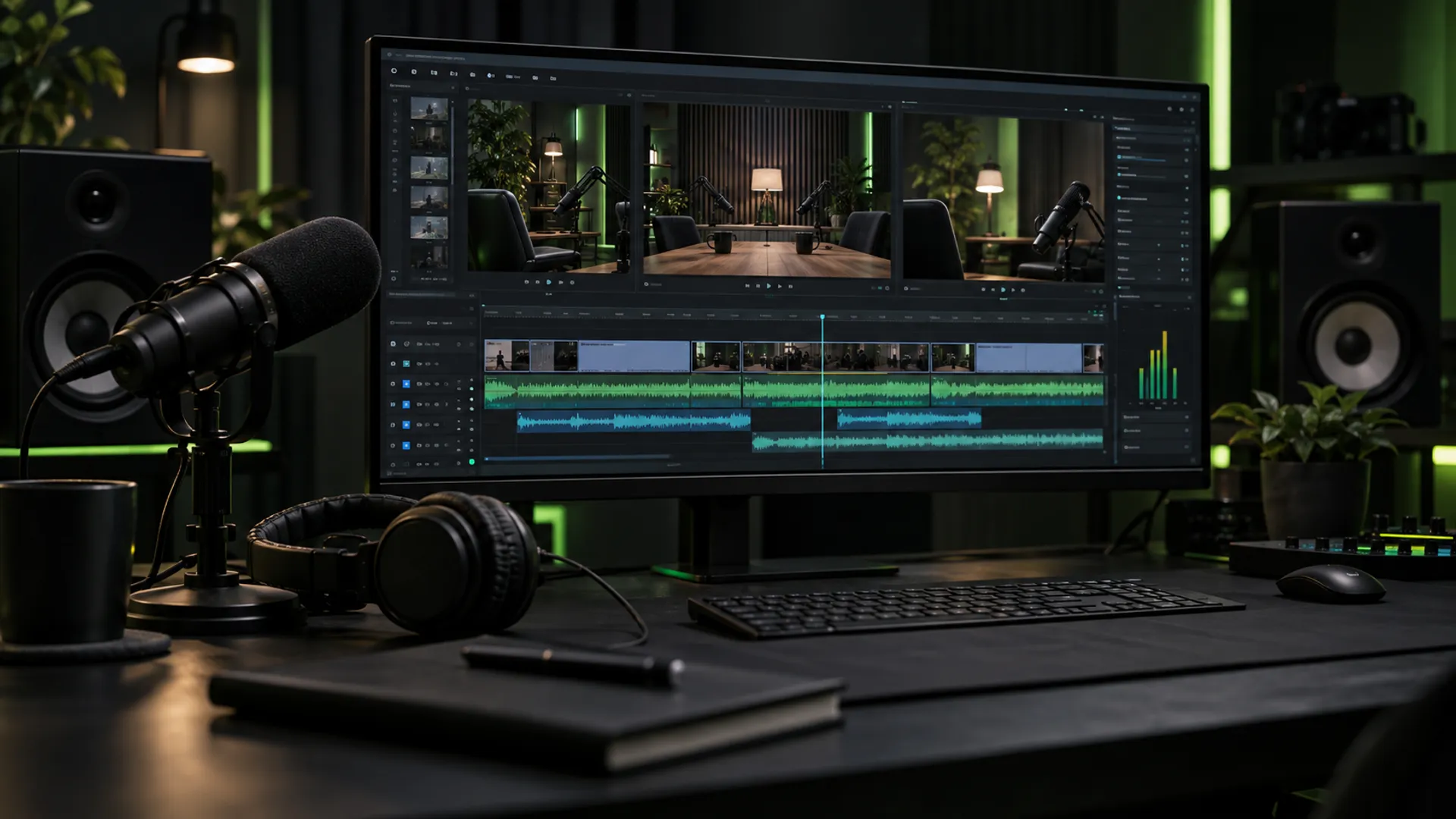
Multi-cam switching that feels natural
The aim of multi-cam editing is to make the conversation easy to follow, not to show off every angle. Cut to whoever is speaking, but hold on a listener’s reaction when it adds something: a laugh, a raised eyebrow, a pause. Wide shots help reset the scene after a long stretch of close-ups.
Avoid cutting on every sentence. Switching too often feels restless and pulls attention away from what is being said. Letting a strong answer play out on one angle usually works better than chopping it up.
Clean, balanced audio matters most
Viewers forgive a slightly soft picture far more easily than bad sound. Level each speaker so nobody is noticeably louder, remove background hum and room noise, and control harsh ‘s’ sounds and sudden peaks. Aim for consistent overall loudness across episodes so listeners do not have to reach for the volume each week.
Cut long pauses, false starts and filler only where it helps the flow. Over-editing can make a relaxed conversation sound robotic, so keep the natural rhythm of how people speak.
Chapters, captions and graphics
Add chapter markers so viewers can jump to the part they care about, and write them as clear, specific titles rather than ‘Part 2’. Burned-in captions help people watching without sound and people who prefer to read along, and they make clips far more likely to be watched on social platforms.
Keep graphics simple and consistent: name titles the first time each guest speaks, a small logo, and on-screen text for anything a viewer might want to note down, such as a book title or a website.
Turning one episode into Shorts
The best clips stand on their own. Look for moments with a clear point, a strong opinion or a surprise, and start the clip right at the most interesting line rather than with the question that led to it. Reframe for vertical video so the speaker stays centred, and add captions large enough to read on a phone.
Plan clips while editing the full episode, not afterwards. Marking strong moments as you go makes it quick to cut three to five Shorts from every recording.
- Starts on the strongest line, with no slow build-up
- Makes sense without the rest of the episode
- Vertical framing that follows the speaker
- Large, readable captions and a clear title
Common podcast editing mistakes
Most weak podcast edits share the same few problems, and all of them are easy to avoid once you know to look for them. The biggest is treating the video as an afterthought: a static wide shot for an hour, with no captions and no chapters, loses viewers even when the conversation is excellent.
The other common trap is fixing sound too late. If one speaker is much quieter or the room echoes, no amount of visual polish will keep people listening. Sort the audio first, then the picture.
- Cutting between cameras on every sentence
- Uneven volume between host and guest
- No chapters on a long episode
- Shorts that start with the question instead of the answer
- Captions that cover faces or run off the edge on phones
A repeatable weekly workflow
A regular podcast needs a regular process. Use the same folder structure, file names and brief every week, and keep a short style guide covering intro music, lower-third design and caption style. It lets an editor work faster and keeps the show consistent, even if a different person edits an episode.
Review the finished episode once on a phone and once on a laptop before publishing. Small issues like captions covering a face or a quiet guest are much easier to catch when you watch the way your audience does.